Installation Instructions for Individual Versions
Seminar Manager V4.5.0 (compatible with Joomla 6)
Seminar Manager v4.5.0 includes all modules, the search plugin and the privacy plugins.
If you want to offer online payment, you should also install "Payage for OSG Seminar Manager."
For PDF invoices and PDF participant lists, additionally install the "PHP Library mPDF."
Are you using Yootheme PRO? Then also install our plugin "Seminar Manager intergration Plugin for Yootheme PRO".
From Dec. 2025: Installation with Download Key
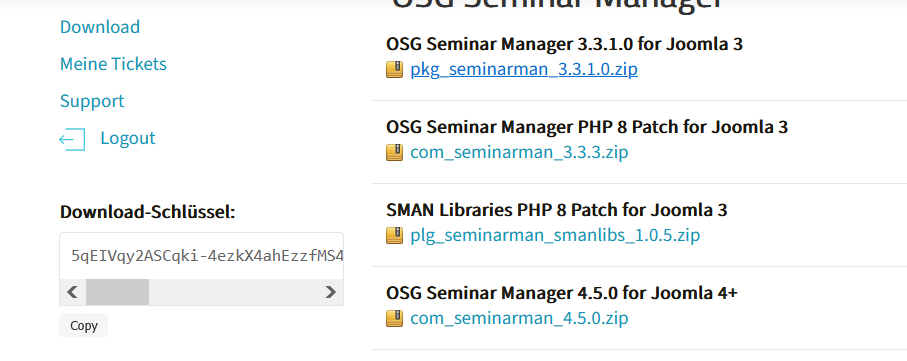
After becoming a member, a download key will be available to you after logging in to the website.
Copy the Download Key.
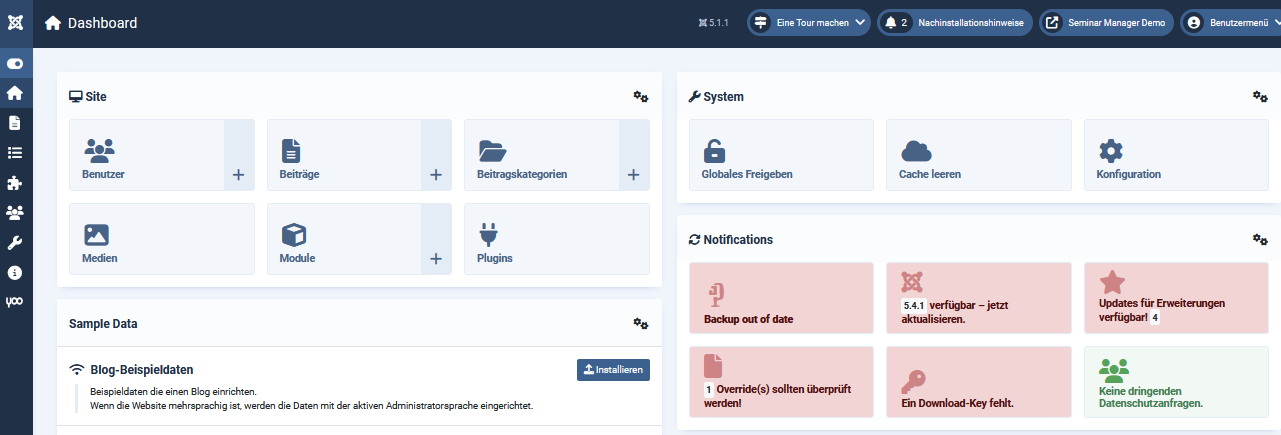
In Joomla, go to Components > OSG Seminar Manager Dashboard. Here you will see the icon for the download key.

Click here (on the icon download key), enter the download key, and save.

Afterward, you can update directly via the Joomla backend. The dashboard will show you if updates are available:
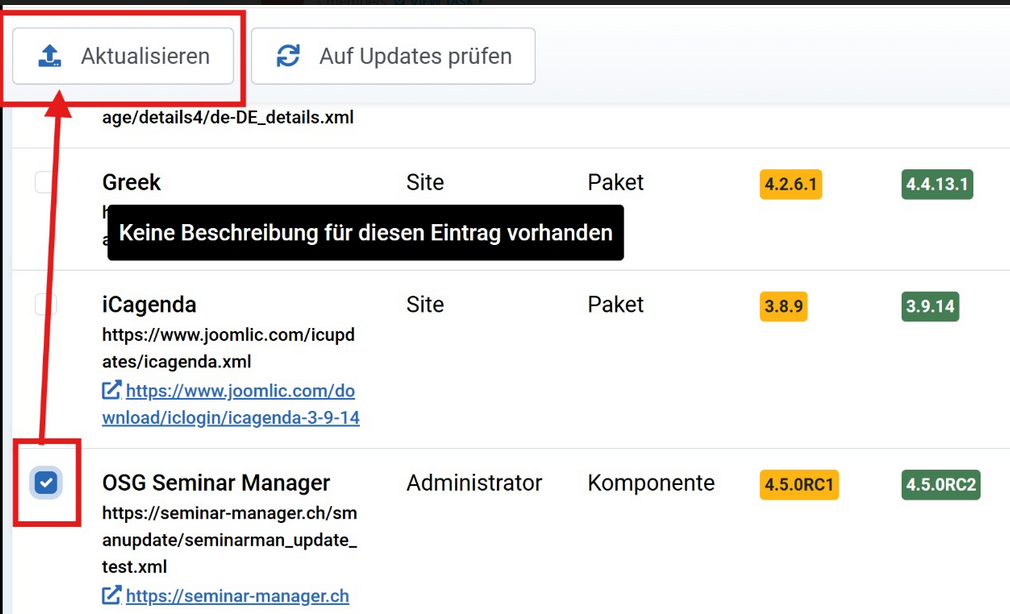
Click on "Extension Updates Available." You will see if an update is available for the Seminar Manager. If so, update the Seminar Manager as shown in the screenshot: